Latest News

  • Busiest month ever! 03-Oct-2011

    So it looks like this last month has been one of the busiest for quite a few years. We..

  • A few nice words... 26-Jun-2011

    Have a read of the nice things one of our customers has said: “If you want a professio..

E-newsletter sign up

Streeten Blog

Posts about website design, graphic design and running an online business.

The best way to get jobs finished on time

Roger Streeten - Sunday, January 22, 2012

One of the biggest challenges we face with website jobs in particular is getting them finished on the agreed time. Realising this was a problem that should be resolved we looked for ways of improving things.

Our solution was to establish a simple, but consistent timeline process for all projects. It doesnt seem like a huge thing to do, but it made a big difference to the general management of work. We had tried in the past using various project management software, but the complexity seemed to take up too much time for something that didnt have to be so advanced.

Keeping to the usual 'less is more' philosophy, we went back to using an excel spreadsheet. It was a good exercise to try and create something that could be applied to any job we take on.

Timeline Solution

The left column had a list of all the stages in the project. The weeks then continue to the right with a column for each week. Filling in a cell with a name/colour shows when each stage needs to be completed by, and who is responsible.

And that was it...Nothing too clever, and nothing especially new, but the difference it has made already is remarkable.

This is now one of the first things we do for every project, however complicated. It means we know where we are, and so do our clients.

Sometimes it's just the small changes that can make a big difference.

Why should I update my website

Roger Streeten - Monday, December 05, 2011

There are not many businesses these days that don’t have their own website. After the initial rush to get online, a lot of people fell into the trap of thinking that was all they had to do.

So why is it so important to keep updating?

The web continues to move at such an extraordinarily fast pace, so there’s no time to sit back and relax when it comes to your online presence.

We try to go through a reasonably major update of our own website at least every year. Even though it is low on our priority list, it has become essential to make sure it doesn’t look out of date. There are certain areas that seem to be continually changing including:

1. The programming technology
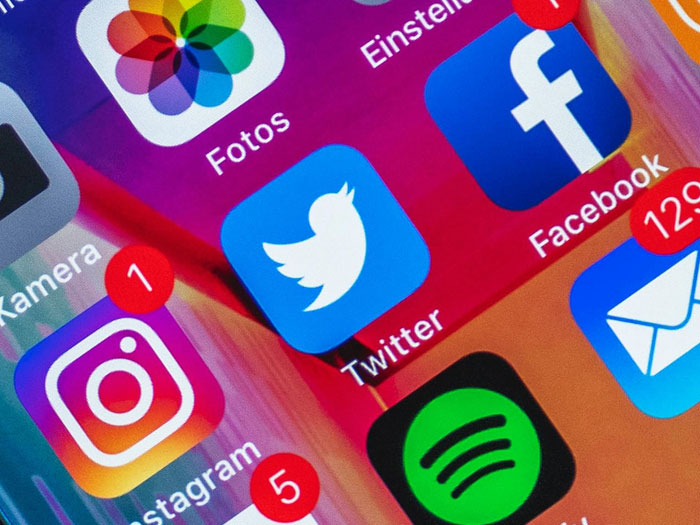
2. The most popular social media
3. Adapting to the latest ipad/phone/computer screen
4. What people use websites for
5. Google, and how it ranks you (they put a very high importance on new/fresh content)
6. Fonts/colours/buttons
7. Use of video and sound

Trends and fashions change quite rapidly online, and to make sure you are not still wearing the website equivalent of white socks & sandals, just because its more comfortable, you need to compare your website to the others out there and make sure you are not getting left behind.
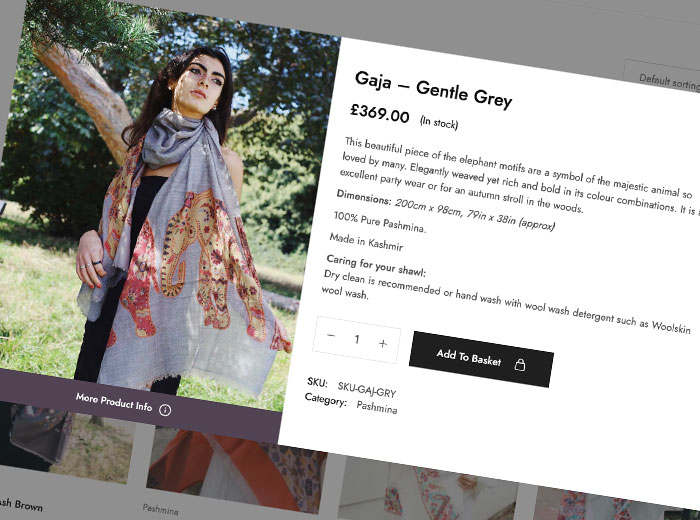

So if you have even thought that your website might nearly be a bit out of date, it probably already is.

10 things people hate about website designers

Roger Streeten - Monday, October 03, 2011

I stood up in front of an audience of about 60 people the other day, and asked them what things they most disliked about website designers. In no particular order, they were:

1. They always take longer than they promise.

2. They always promise the earth.

3. They always use too much jargon.

4. They can never specifically back up their SEO (Search Engine Optimisation) promises.

5. Getting changes after a job is finished is almost impossible.

6. There is very little difference between all the web design companies.

7. They don't return emails.

8. They don't return phone calls.

9. Prices are so varied for no apparent reason.

10. They sell you things you have no real understanding of.

This was a great learning exercise, and my main focus now is to keep these points in mind at all times.

Maybe one day web designers won't have such a bad reputation?


Facebook Profile or Facebook Page?

Roger Streeten - Wednesday, September 14, 2011

In an attempt to clarify the mysterious facebook Pages/Profile confusion, the following is a quick list of what it all means to me:

1. Facebook Profile = Your own personal pages

2. Facebook Pages = Pages to promote your business/brand/identity

And that's it, simple.

Why should I change to a Page for my Business?

• Facebook  requires all businesses on Facebook to use a Page rather than a Profile and can close down Profiles that are used for business purposes
• You can add applications to enhance a page – there are e-commerce applications, music player applications and lots more
• You will be able to use Facebook Page Insights
• A Profile is limited to 5,000 friends whereas there is no limit on the number of ‘likes’ a Page can have
• You can add a customised landing tab that people see when they visit your page. This can contain a contact form to encourage enquiries from customers and links back to different sections of your website, which have good search engine optimisation value. 

How to Change from a Profile to a Page 

So if you set up a Profile for your business, you need to change it to a Page. If you have lots of friends/pictures you may want to transfer them over. This is now possible and not too difficult.

When logged into your Facebook Profile type this address into the address bar of your browser http://www.facebook.com/pages/create.php?migrate and then complete the page creation process.

When you convert your profile to a Page, your profile pictures will be transferred, and all of your friends will be automatically added as people who like your Page. No other content will be carried over to your new Page, so be sure to save any important content before beginning your migration.

The account associated with the profile you previously maintained will be converted to a business account, which will be the admin of your new Page. 

Do it now before you forget.

My website and email newsletter are not connected

Roger Streeten - Tuesday, July 19, 2011

If you have discovered the delights of sending out an email newsletter, you may have had the problem of how it relates to your website.

The main purpose of our newsletters is to highlight certain pages on our site, and allow people to easily find the information on there. As we already know which are the popular pages (from our statistics), we can direct more people there.

If it’s too difficult to do, it wont get done.
The key to us actually getting it done is that it’s very easy to do.

We are currently using a fully integrated system that works within our website, rather than as a separate bit of software. It’s not till you use something that is designed to work seamlessly that you realise how much more efficient you can be.

There are plenty of email newsletter providers that do an excellent job (mailchimp.com is a great example), but when you are ’updating’ your website, you want to feel like its all happening in one place.

The added advantage is that you don’t have to be particularly technical to manage these things, allowing our clients a simple way of controlling their online presence.

The Hub
For our clients, we are now taking the approach of looking at their website as one unified place where they can manage the entire online side of their business. We have realised that getting them to shift the focus of operating their business online, completely changes the way they relate to their website.

Before it was important just to have the basic information on there, but as so much of our lives depend on being online, the interaction with websites has changed.

Anything from updates made on your facebook/twitter account, to emails that you send to your customers, should all revolve around the central hub of your site. If for example you are sending visitors off to see your listings on a property portal, the important thing is that they return back to you where they feel more comfortable.

Keeping you website as the central hub has never been so important.

Keeping things working
The other really important thing for us is when it comes to upgrading websites. Software can change very often, as the code is being improved all the time. When it comes to upgrading to the ‘latest’ version it can sometimes disrupt all the delicate design work that was previously done.

This is one of the problems we have experienced with Wordpress (a free blogging/cms system), which is otherwise fantastic! Because a lot of the functionality is provided by many different suppliers, getting everything to work on the latest version can sometimes take up a large amount of programming time. We feel that time could be better spent on the overall design and optimisation.

We are big fans of keeping things simple, and if you can get a lot done with as little resistance as possible, you are onto a winner.

How do I keep my website content up to date?

Roger Streeten - Thursday, June 02, 2011

One of the biggest changes in website design in the last year or so is the introduction of affordable content management systems (CMS) for websites.

This means the owner of the website can log in and edit their pages whenever they want. Gone are the days of design agencies holding their clients ransom by charging huge fees to make tiny changes.

So now that a CMS is within everyone's reach, the focus has moved onto the quality of the site's design. The design is not just about the look, but the whole experience of using it.

Efficiency
Following this trend, our websites divide the design and the content into two different areas, and let the website join them together. This means that the website owner can edit the page text, and if needed upload some pictures, but they don't have to get their hands messy with all that complicated code.

The other benefit to this is that if some design changes are required further down the line, we can make the changes to the code, and the content stays the same. A quick revamp, without the long wait.

Yeah, Yeah, Yeah...but what about updating
Ok, so it wont make your website up to date, but it will make it easier to do. A common reason for website owners not making updates is because 'they don't have time'. If it only takes a few minutes a day to make some relatively big changes, then its worth doing it regularly. Keeping your website looking current and alive is a key element of having an interesting website.

Blogs
An example of this is setting up a blog. If you can add something even just once a week, the valuable content on your site will grow...and grow! Talk to anyone that knows a bit about search engines, and they will get very excited about how important it is to have good, fresh content being added to your site. *hint* google loves it!

Any thoughts, please get in contact...

Thanks

Roger

Welcome to my Blog!

Roger Streeten - Wednesday, June 01, 2011

This is my first blog post on the website!

So things are finally changing on the website, and I have started writing a blog. It will be a collection of thoughts, advice and experiences to help your business when you are considering improving your website, graphic design or general marketing.

With almost 20 years experience of working in the design industry, there is plenty for me to say.

Please follow me and if you are not signed up to the newsletter, do it here as I will be posting all links to the blog when it's sent out.

Hope you enjoy it...and comments always welcome!

Thanks

Roger


Copyright © Streeten Design 2011